

Unlock 5 easy Gemini photo hacks to analyze and edit images like a pro.
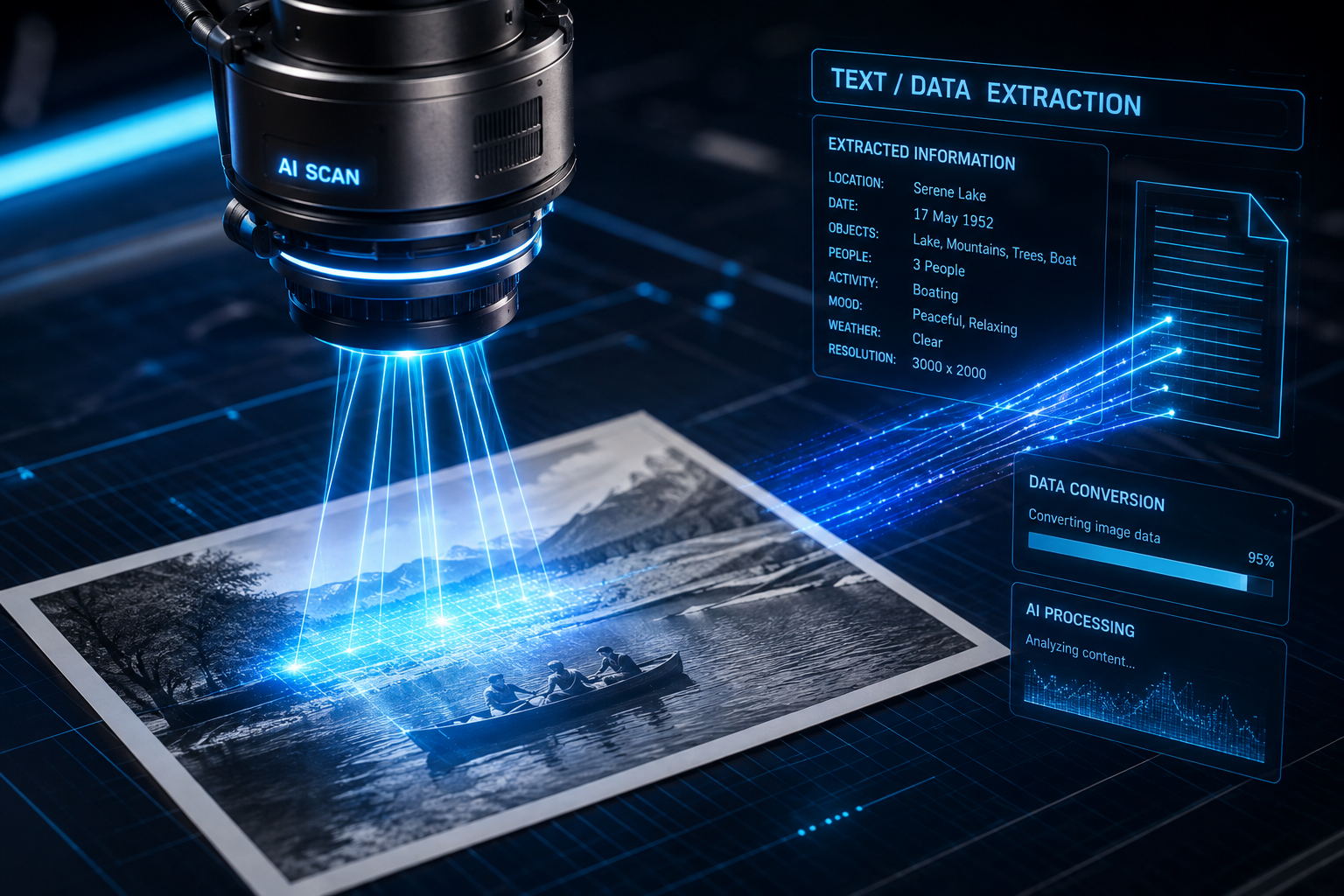
A futuristic camera lens hovers silently over a physical photograph, sweeping precise grids of vivid blue laser beams across its surface to extract embedded text, structural metadata, and semantic context in real time. As light reflects off the photographic paper, optical sensors decipher complex patterns—translating static pixels into dynamic, actionable information. This visually stunning image perfectly captures the transformative power of modern visual artificial intelligence. Visual models represent a paradigm shift in how we capture, interpret, and organize real-world information. By bridging the gap between physical media and digital assets, machine intelligence turns every photograph into a queryable data source.
Leveraging multi-modal vision models like Google Gemini allows creators, professionals, and daily users to bypass tedious manual input and tap directly into intelligent image analysis. Whether you are aiming to digitize archival documents, organize chaotic personal media libraries, or pull detailed context from complex real-world scenes, mastering visual AI tools will fundamentally elevate your productivity.
Here is how you can utilize these 5 Easy Gemini Photo Hacks to revolutionize your visual workflow, maximize efficiency, and unlock hidden data within your image collection.
Mastering the 5 Easy Gemini Photo Hacks
Understanding the core mechanics of visual processing enables you to treat every image as a multi-layered database rather than a flat matrix of static pixels. When a visual AI model evaluates an uploaded image, it does not merely recognize basic colors and contrast; it maps spatial relationships, performs optical character recognition across non-standard fonts, deciphers handwritten text, and contextualizes environmental details. Implementing the 5 Easy Gemini Photo Hacks effectively allows you to extract maximum utility from these advanced visual capabilities.
1. Optical Text Extraction and Multi-Lingual Translation :5 Easy Gemini Photo Hacks
One of the most immediate utilities of modern vision models is the instantaneous extraction of physical text from photos. Point your smartphone camera or upload an existing photo containing printed or handwritten text—such as receipts, whiteboards, business cards, street signs, or historical documents—to isolate and extract editable text in seconds.
Gemini’s vision architecture excels at recognizing characters even under sub-optimal conditions, including low light, harsh shadows, perspective distortion, or uneven camera angles. Beyond simple extraction, you can instruct the model to translate the extracted text into dozens of languages simultaneously, reformat raw lists into clean CSV data, or summarize lengthy printed articles into key takeaways.
2. Automated Object Identification and Structural Metadata Tagging
Instead of spending hours manually tagging, cataloging, and filing thousands of digital photographs, you can leverage visual AI to categorize your assets automatically. Scanning a single image yields multi-layered structural metadata ready for export or database indexing.
When presented with a photograph, Gemini identifies primary and secondary subjects, estimates geographical and temporal contexts, categorizes color palettes, and tags specific objects within the scene. For digital asset managers, e-commerce sellers, and archivist content creators, this capability streamlines cataloging workflows, making vast repositories of unorganized photos instantly searchable through natural language prompts.
3. Contextual Image Search and Interactive Q&A :5 Easy Gemini Photo Hacks
Static reverse-image searches only point you toward similar-looking web pages. Visual AI goes several steps further by enabling interactive dialogue with the content of the image itself. Upload a photo of an unfamiliar landmark, an exotic plant species, a complex mechanical component, or an intricate circuit board and ask detailed visual questions.
Gemini analyzes the precise visual components within the frame, cross-references internal knowledge bases, and delivers accurate, real-time explanations. If you upload a picture of a broken home appliance part, for example, the AI can help identify the exact component name, offer potential troubleshooting steps, and suggest specific replacement parts to search for online.
4. Direct Visual Code Execution and Mathematical Problem Solving
Visual models are powerful engines for analytical interpretation. If you photograph a whiteboard filled with hand-written mathematical equations, complex flowcharts, or handwritten pseudocode, Gemini can parse the visual syntax and convert it into clean, executable code or formatted LaTeX markup.
Students, engineers, and developers can photograph technical diagrams or statistical charts and ask the model to interpret data points, generate Python scripts to reproduce identical visualizations, or catch logic errors in drawn diagrams. This seamless transition from physical sketching to digital execution significantly reduces friction during early-stage brainstorming and technical problem-solving.
5. Aesthetic Analysis and Prompt Reverse-Engineering :5 Easy Gemini Photo Hacks
For photographers, designers, and visual content creators, Gemini functions as an intelligent visual critic and style analyzer. By uploading a stylized photograph—such as a dramatic cinematic portrait or an architectural landscape—you can prompt the model to analyze lighting setups, compositional structures, color grading profiles, and depth-of-field choices.
Additionally, Gemini can perform reverse prompt engineering on photographs. By analyzing the visual properties of an image, it generates detailed text prompts that mirror the aesthetic style, mood, subject matter, and technical camera settings of the original photo. You can feed these generated prompts into image-generation tools to recreate similar visual themes across new digital media campaigns.
Comprehensive Breakdown of Visual AI Workflows :5 Easy Gemini Photo Hacks
  +-----------------------+
  |  Physical Photo Input |
  +-----------+-----------+
              |
              v
  +-----------------------+
  |  Gemini Vision Engine |
  | (Scanning & Processing|
  +-----------+-----------+
              |
       +------+------+
       |             |
       v             v
+--------------+  +--------------+
| Optical Text |  | Structural   |
| Extraction   |  | Metadata     |
+--------------+  +--------------+
       |             |
       +------+------+
              |
              v
  +-----------------------+
  | Actionable Output     |
  | (CSV, Code, Summaries)|
  +-----------------------+
To fully appreciate the scope of these automated capabilities, it helps to examine how visual processing transforms routine manual tasks into streamlined, low-friction operations across different industries. :5 Easy Gemini Photo Hacks
| Use Case Category | Traditional Manual Process | Gemini Visual AI Solution | Primary Benefit |
| Document Archiving | Manual typing of paper forms, receipts, and handwritten notes. | Instant OCR conversion into structured Markdown tables or JSON data. | 95% reduction in data-entry time. |
| Asset Management | Manual keyword tagging and folder organization for image libraries. | Automated metadata tagging based on object, location, and aesthetic parameters. | Instant natural language search across photo archives. |
| Technical Support | Searching manual indexes for unidentified hardware components. | Image-based component identification with step-by-step troubleshooting. | Faster diagnosis and reduced downtime during repairs. |
| Education & STEM | Transcribing handwritten mathematical formulas and diagramming logic. | Automatic conversion of visual math into formatted LaTeX and functional code. | Accelerated learning curves and effortless digitized study notes. |
| Creative Direction | Manual composition analysis and descriptive writing for design briefs. | Visual style breakdown, color palette mapping, and prompt engineering. | Streamlined aesthetic research and clear artistic direction. |
Step-by-Step Execution of 5 Easy Gemini Photo Hacks :5 Easy Gemini Photo Hacks
Achieving optimal results from visual artificial intelligence requires proper input preparation and structured prompting. Just as a physical camera requires clean focus and balanced exposure to capture a sharp photo, visual models rely on visual clarity and well-defined prompt frameworks to produce accurate outputs. Follow these step-by-step instructions to maximize your success when applying the 5 Easy Gemini Photo Hacks.
Phase 1: Image Capture and Pre-Processing Optimization :5 Easy Gemini Photo Hacks
Before interacting with the AI engine, ensure your input photograph meets high technical standards to avoid extraction errors or halluncinated details.
- Maximize Contrast and Eliminate Glare: Position your physical document or object under even illumination. Avoid direct reflections, harsh specular highlights, or deep shadows that obscure key text or visual elements.
- Frame the Subject Correctly: Hold your device parallel to the document or surface to minimize extreme perspective distortion. Ensure the primary subject occupies the majority of the visual frame.
- Maintain High Resolution: Avoid uploading heavily compressed thumbnails. Higher resolutions allow optical engines to parse fine print, small background details, and subtle visual textures accurately.
Phase 2: Formulating Precision Prompts for Visual Tasks :5 Easy Gemini Photo Hacks
Pairing clear visual inputs with structured text prompts yields the highest accuracy across all extraction and analysis tasks.
- Define Output Formats explicitly: Rather than asking Gemini to “read this receipt,” specify the desired structure: “Extract all line items, totals, and dates from this receipt image and format them into a clean Markdown table with columns for Item, Quantity, and Price.”
- Provide Contextual Role Prompting: Assign a specific analytical persona to the model based on your objective: “Act as an expert botanist. Identify the plant species in this photo, highlight any visible signs of disease on the leaves, and provide care recommendations.”
- Constrain the Scope: When analyzing dense images containing multiple objects or blocks of text, direct the AI to isolate specific areas: “Focus exclusively on the handwritten sticky note on the left side of the desk and transcribe its text verbatim.”
Phase 3: Integration, Verification, and Workflow Automation :5 Easy Gemini Photo Hacks
Once Gemini returns extracted data or visual analysis, integrate the results smoothly into your personal or professional productivity stack.
- Audit Extracted Data: Perform a quick spot-check on numerical data, specialized technical terms, or ambiguous handwriting to confirm 100% accuracy before importing data into production systems.
- Pipeline Output into Downstream Tools: Copy structured CSV or Markdown outputs directly into workspace applications like Notion, Google Sheets, or internal databases to keep your archives organized without manual effort.
- Iterate with Follow-Up Queries: Treat your interaction as an ongoing conversation. If the initial analysis misses visual nuances, ask follow-up questions like, “What does the symbol in the top-right corner of the diagram represent?” to dig deeper into the visual layer.
The Technology Behind Modern Visual Recognition Engines
Understanding how multimodal systems process visual inputs reveals why these capabilities feel so transformative. Traditional visual processing systems relied on isolated pipelines: one distinct algorithm performed optical character recognition, another categorized basic color distributions, and a third attempted object classification based on hardcoded geometric boundaries. These legacy systems lacked semantic awareness; they could read words on a sign, but they could not interpret what those words meant within the context of the surrounding photo.
Next-generation systems process images and text natively within the exact same neural architecture. When an image of a futuristic scanning beam is passed to the vision model, the pixels are converted into visual embeddings—mathematical representations of visual concepts—that map directly alongside language embeddings. :5 Easy Gemini Photo Hacks
                                VISUAL PROCESSING PIPELINE

[ Raw Pixel Array ] ---> [ Spatial Tokenization ] ---> [ Visual Embeddings ]
                                                               |
                                                               v
[ Formatted Output ] <-- [ Cross-Attention Layer ] <-- [ Joint Semantic Space ]
5 Easy Gemini Photo Hacks
- Spatial Tokenization: The vision encoder divides an image into a grid of uniform patches, translating raw pixels into high-dimensional visual tokens.
- Cross-Attention Mechanisms: The model calculates relationships between different parts of the image and your text prompt simultaneously, allowing it to “look” at relevant regions of the photograph while forming its textual response.
- Semantic Grounding: Because visual tokens share a multi-dimensional conceptual space with language tokens, the AI understands that a written word on a physical document, a drawn symbol on a whiteboard, and a real-world physical object all point to the same underlying concept.
By unifying language and vision into a single processing engine, AI models transcend mechanical pattern matching. They do not merely parse pixels; they read, interpret, analyze, and contextualize physical media with unprecedented speed and accuracy.
Practical Applications for Everyday Productivity :5 Easy Gemini Photo Hacks
Integrating visual AI into your daily routine opens up countless practical optimizations across both personal and professional environments. By making image-based data extraction a central part of your workflow, routine organizational tasks become effortless.
Personal Finance and Expense Management
Managing stacks of physical receipts, paper invoices, and printed bank statements is notoriously tedious. By scanning physical documentation directly into Gemini, you can auto-extract expense dates, vendor names, line items, and tax totals. Instead of manually entering each line item into a spreadsheet, you can process an entire month’s worth of paper receipts in minutes, exporting clean, pre-formatted transaction tables directly into your budgeting software.
Smart Home Maintenance and DIY Repairs
When dealing with household appliances, plumbing fixtures, or electrical panels, identifying specific model numbers or replacement parts can be difficult—especially when printed labels have worn off over time. Capturing a clear photograph of the component and passing it to Gemini allows you to identify part numbers, look up step-by-step repair guides, and locate matching components online without relying on vague search terms.
Academic Research and Archival Digitization
Researchers, historians, and students often work with non-digitized physical books, dense academic journals, or historic library archives. Using visual AI tools to sweep through physical pages allows researchers to convert printed text into searchable digital notes instantly, extract complex visual diagrams into editable code, and translate foreign-language source materials on the fly during field research.
Professional Culinary Planning and Pantry Management
Instead of manually typing out ingredient lists or searching recipe blogs based on static keywords, take a photograph of your refrigerator or pantry shelves. Gemini can evaluate the visual contents of your kitchen, identify available ingredients, flag items nearing expiration, and auto-generate structured recipes tailored to your precise dietary preferences.
Unlocking New Creative Possibilities :5 Easy Gemini Photo Hacks
Beyond administrative productivity, visual models serve as powerful creative assistants for digital artists, designers, photographers, and content strategists. By interpreting aesthetic elements with nuance, visual AI helps bridge the gap between creative ideation and technical execution.
Composition and Lighting Breakdown :5 Easy Gemini Photo Hacks
Photographers seeking to refine their craft can upload reference images and ask for a detailed visual critique. The model can break down compositional techniques—such as the rule of thirds, leading lines, or golden ratios—and evaluate how ambient and artificial lighting sources interact within the frame. This instant analysis offers valuable feedback for improving camera angles, exposure balances, and scene setups during future shoots.
Mood Board Translation and Style Guides :5 Easy Gemini Photo Hacks
When building creative briefs for branding projects or video productions, gathering reference photos is standard practice. Visual models can analyze an entire collection of reference images and synthesize their shared visual characteristics into written style guides. The AI identifies recurring color palettes, atmospheric tones, typography choices, and visual motifs, translating abstract artistic directions into clear, written specifications for your creative team.
Storyboard Generation and Conceptual Design :5 Easy Gemini Photo Hacks
Filmmakers and animators can convert hand-drawn sketch concepts into descriptive production notes. Photographing early storyboard frames allows Gemini to outline camera movements, scene pacing, lighting requirements, and environmental descriptions for each shot, vastly accelerating pre-production planning and helping turn conceptual rough drafts into polished production blueprints.
5 Easy Gemini Photo Hacks